Loading…
ChapterGrid
Once Polhawn Fort's IG Business account is linked, you'll be able to publish approved posts in one click instead of exporting to Dropbox. Until then, use the manual flow below — copy the caption + image from Dropbox, post to Instagram, then mark it published here.
Once you've posted to Instagram using the Dropbox-exported caption + image, click here to record the publish. The performance loop will match it to live engagement once Pulse next scrapes the feed.
Posting from your phone? Copy the caption (hashtags included), download the image, then AirDrop it to your iPhone.
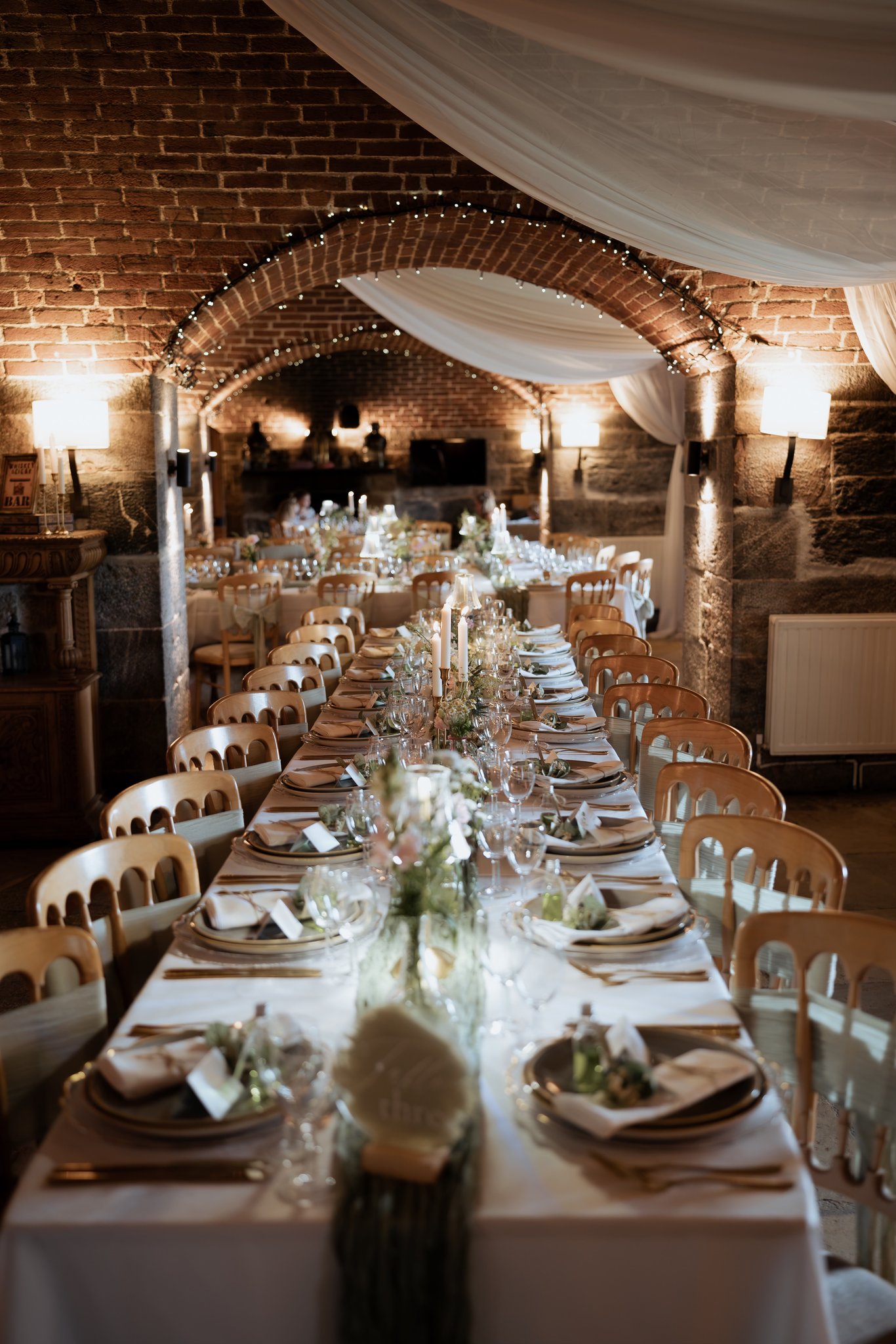
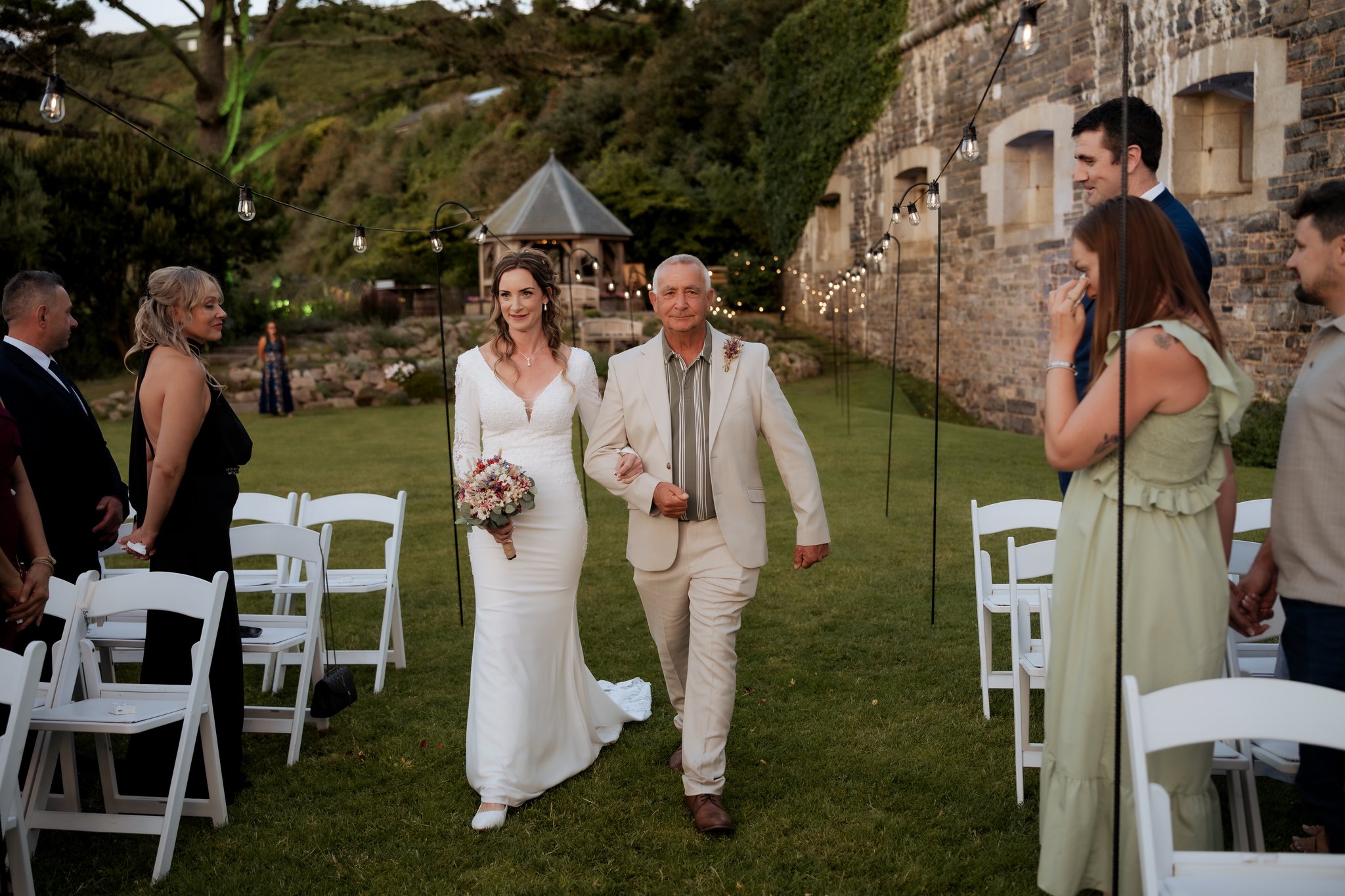
The kind of moment you couldn’t have planned.

At Polhawn, the sea, the wind and the landscape have a way of becoming part of the day - catching a veil, lifting a lace hem and creating those fleeting moments you simply can’t recreate.

K&S, with the Cornish coast as their backdrop. 🤍

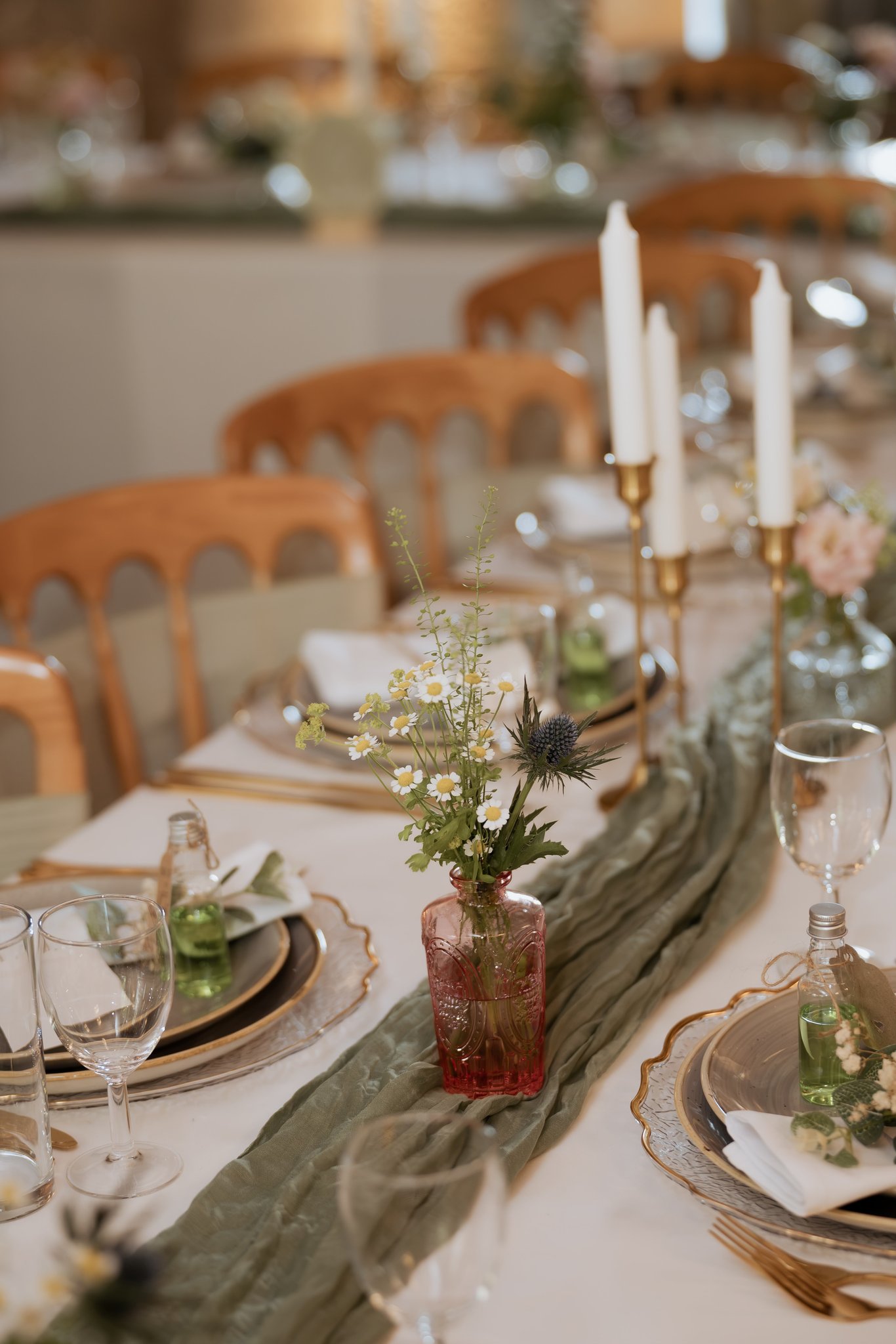
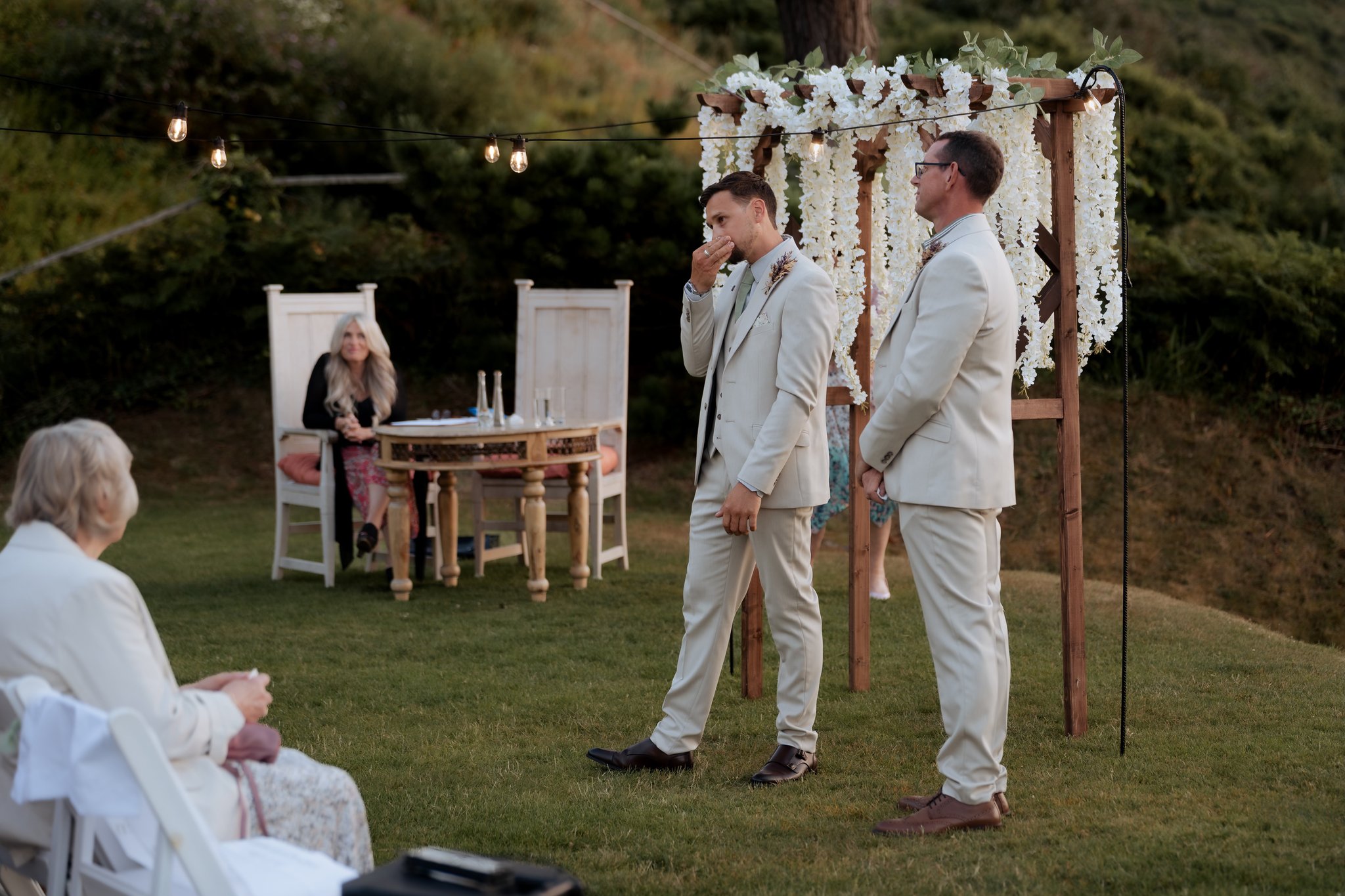
Swipe through for more from this beautiful wedding.

#WeddingVenue #CornwallWedding #WeddingInspiration
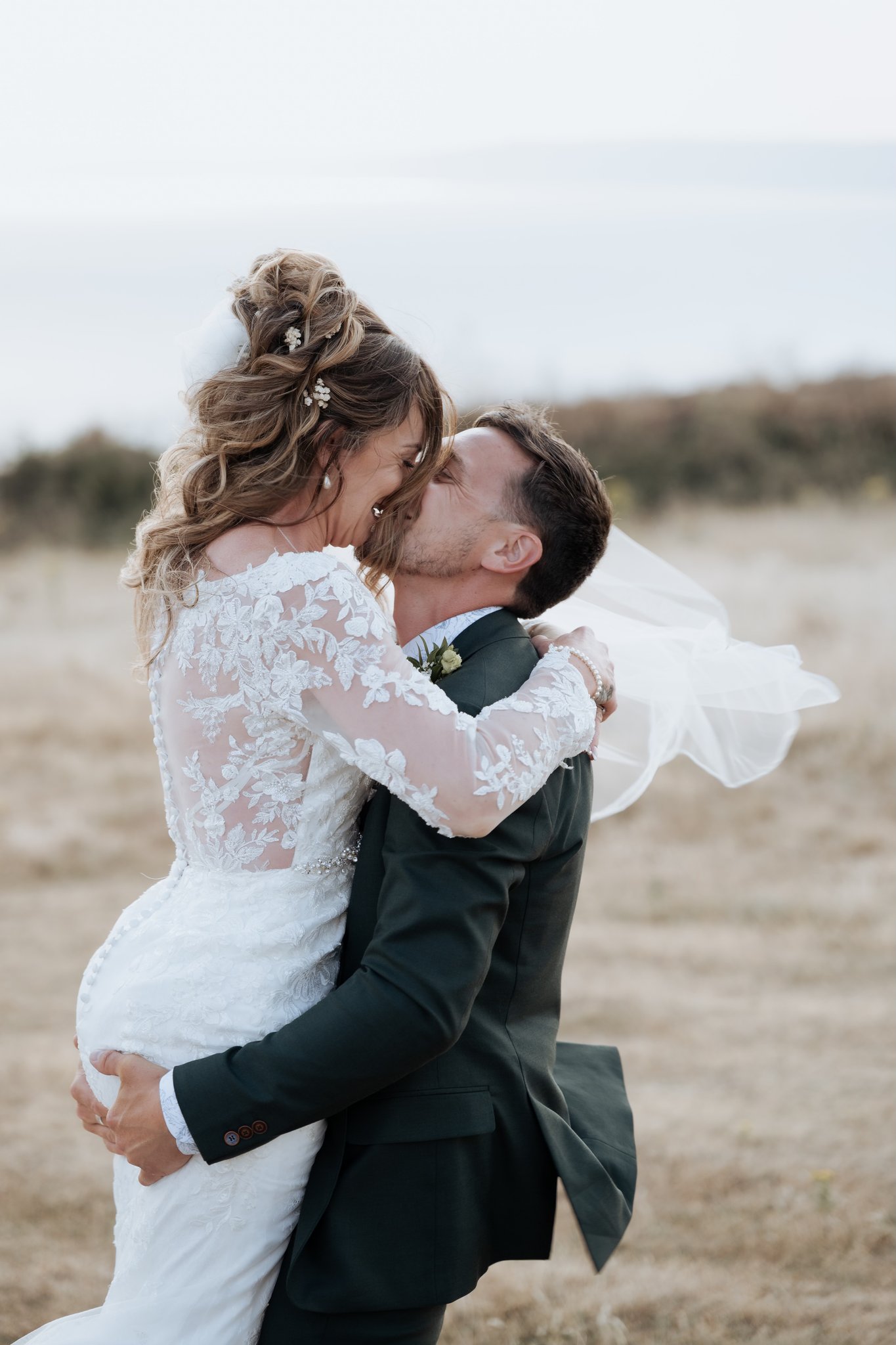
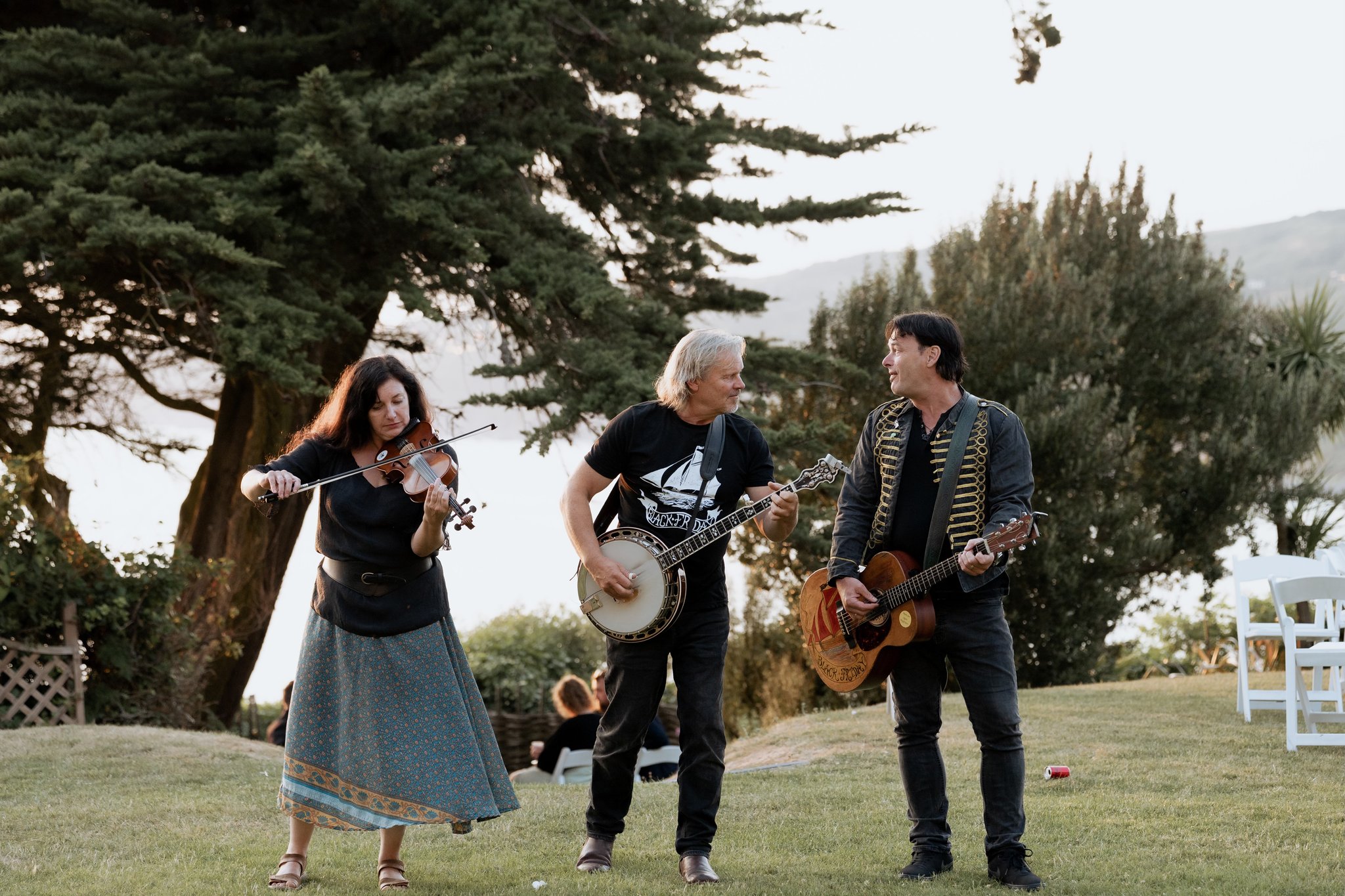
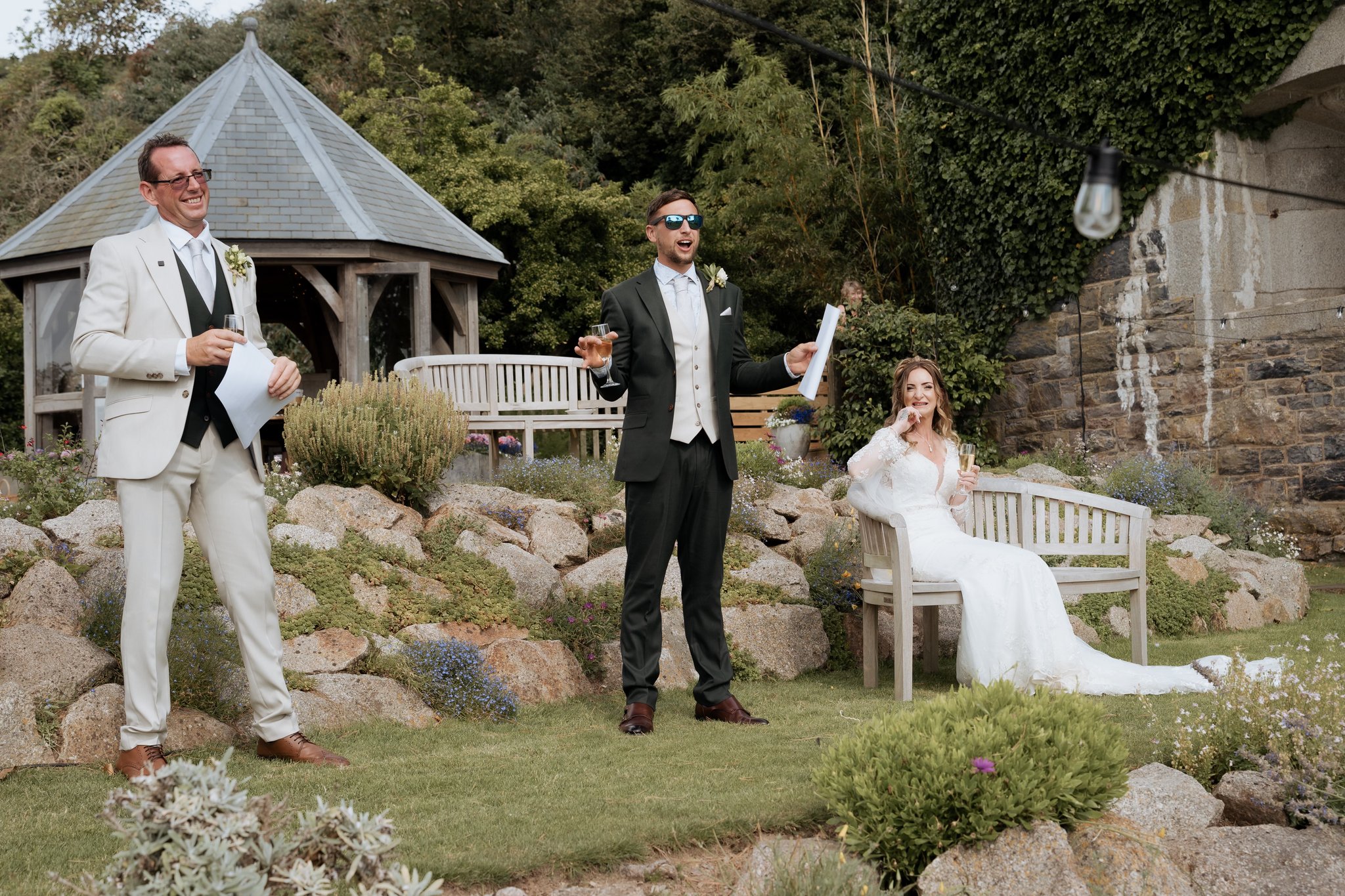
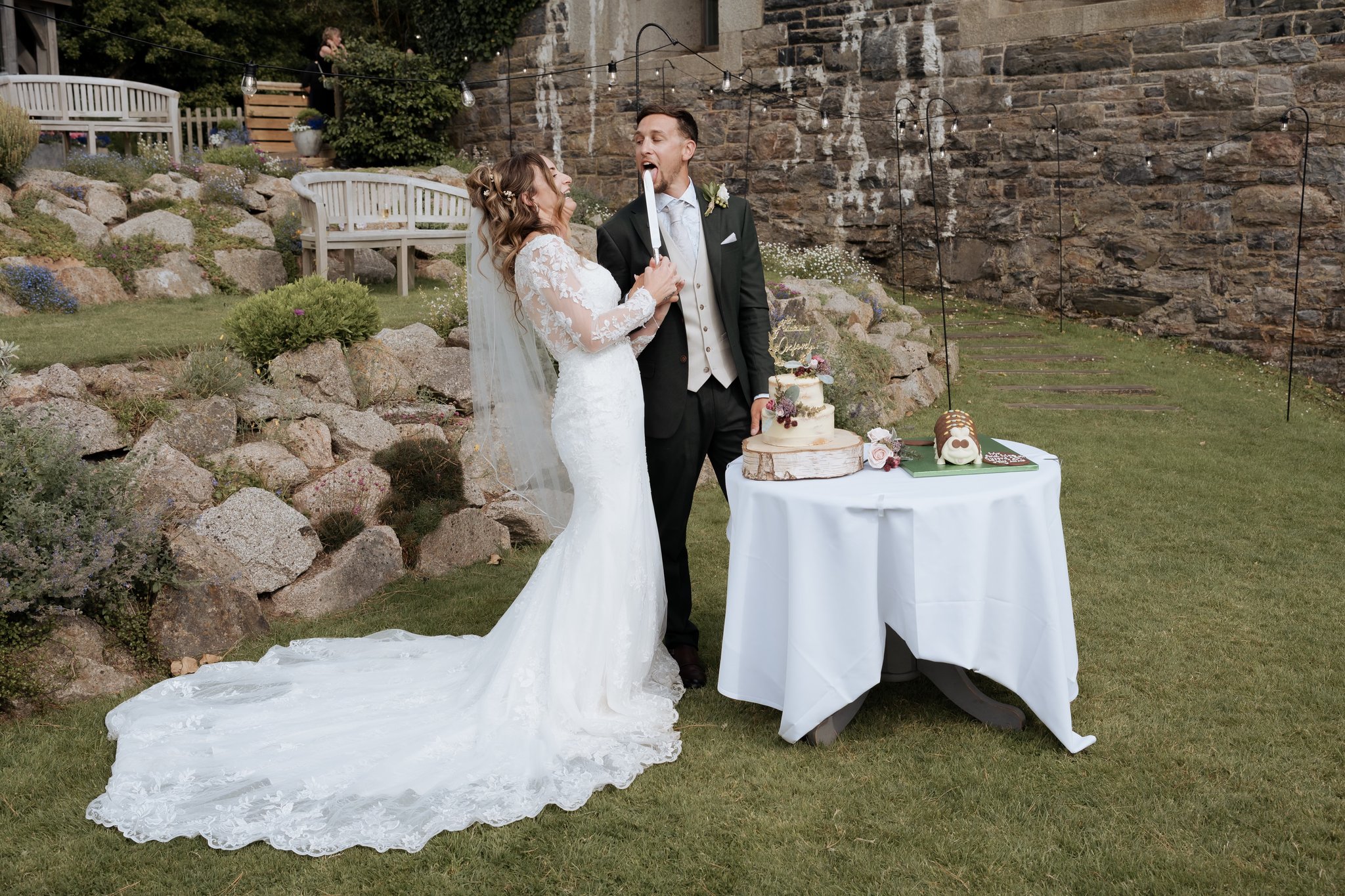
The kind of moment you couldn’t have planned. At Polhawn, the sea, the wind and the landscape have a way of becoming part of the day - catching a veil, lifting a lace hem and creating those fleeting moments you simply can’t recreate. K&S, with the Cornish coast as their backdrop. 🤍 Swipe through for more from this beautiful wedding.
Editing locked — this post is approved. Recall the batch to reopen it for edits.
AI: The grid is heavy on Real Wedding carousels but the recent ones have leaned cinematic and wide — this image demands something close and elemental, so the caption responds to the physical moment (wind, veil, held tight) rather than the setting, giving the series a different texture without leaving the pillar.
No comments yet. Leave one before this goes to the client.