Loading…
ChapterGrid
Once Syon Park's IG Business account is linked, you'll be able to publish approved posts in one click instead of exporting to Dropbox. Until then, use the manual flow below — copy the caption + image from Dropbox, post to Instagram, then mark it published here.
Once you've posted to Instagram using the Dropbox-exported caption + image, click here to record the publish. The performance loop will match it to live engagement once Pulse next scrapes the feed.
Posting from your phone? Copy the caption (hashtags included), download the image, then AirDrop it to your iPhone.
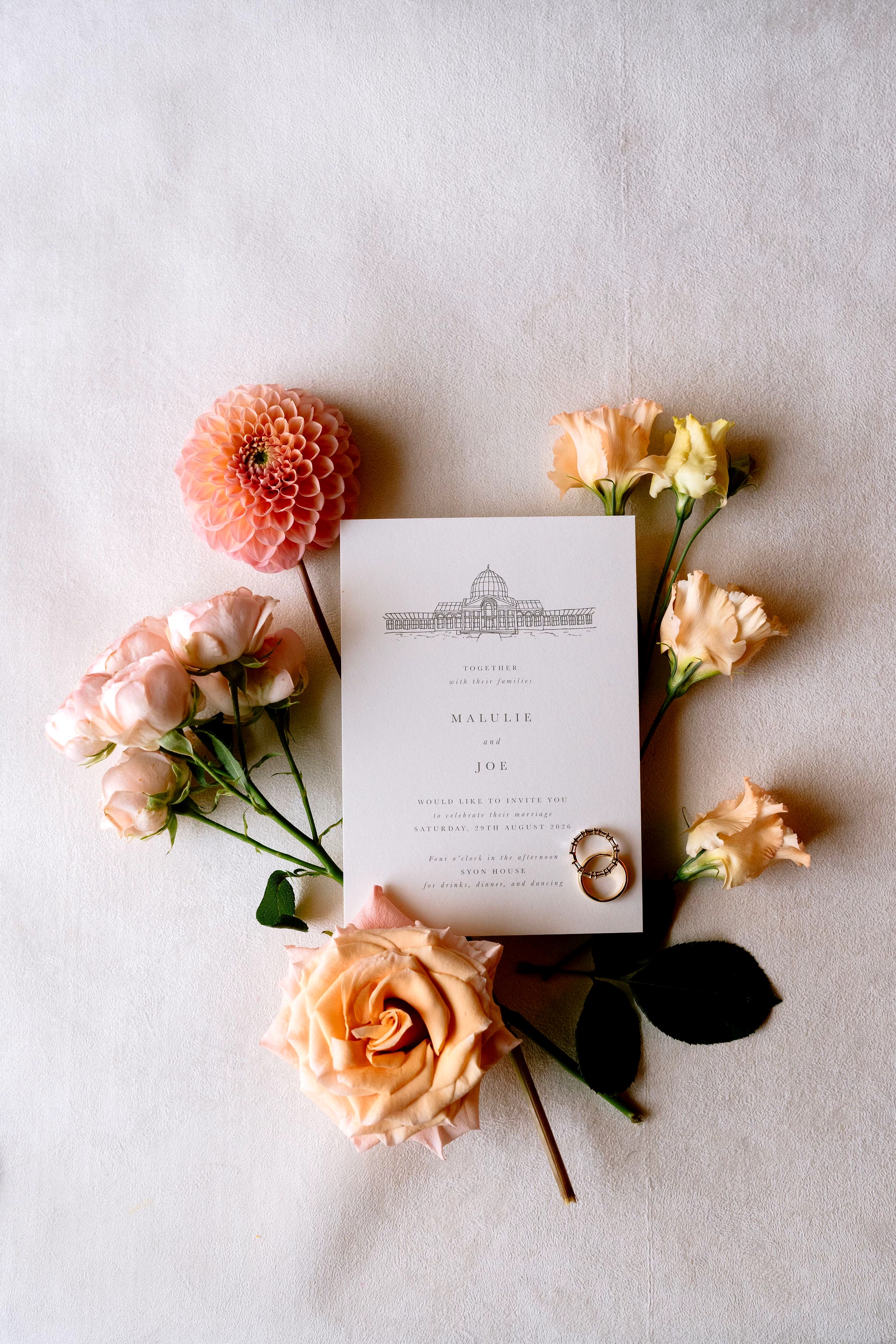
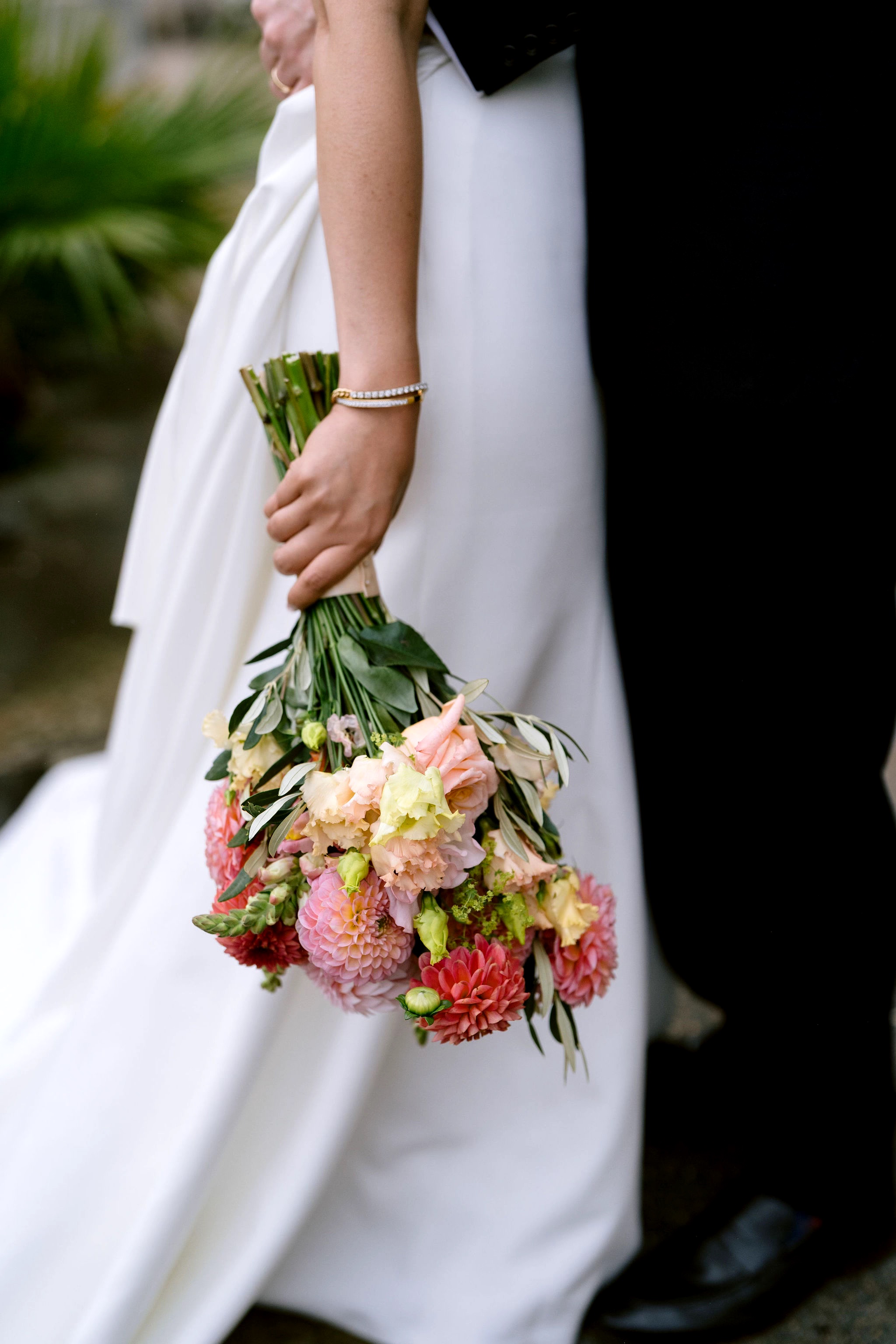
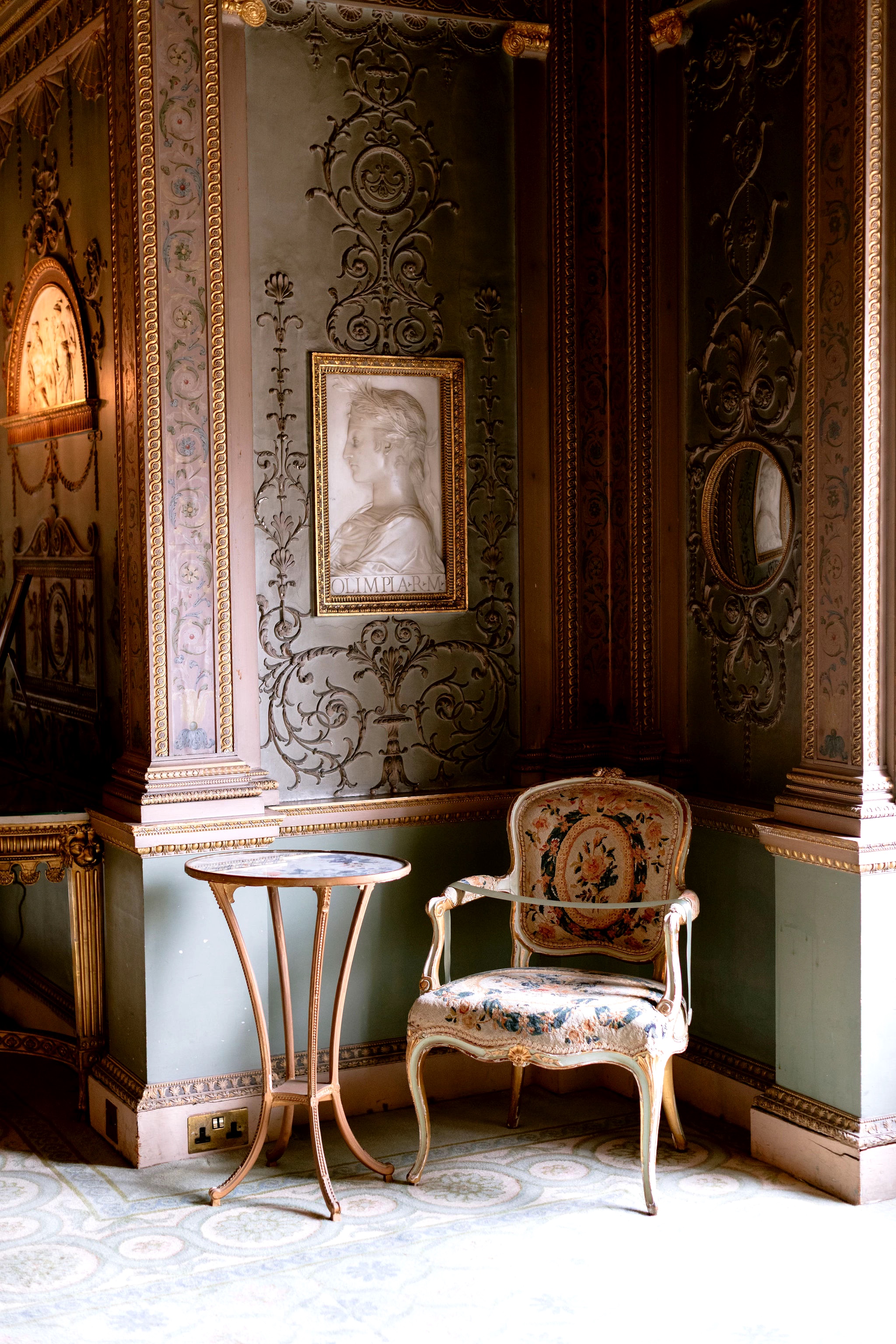
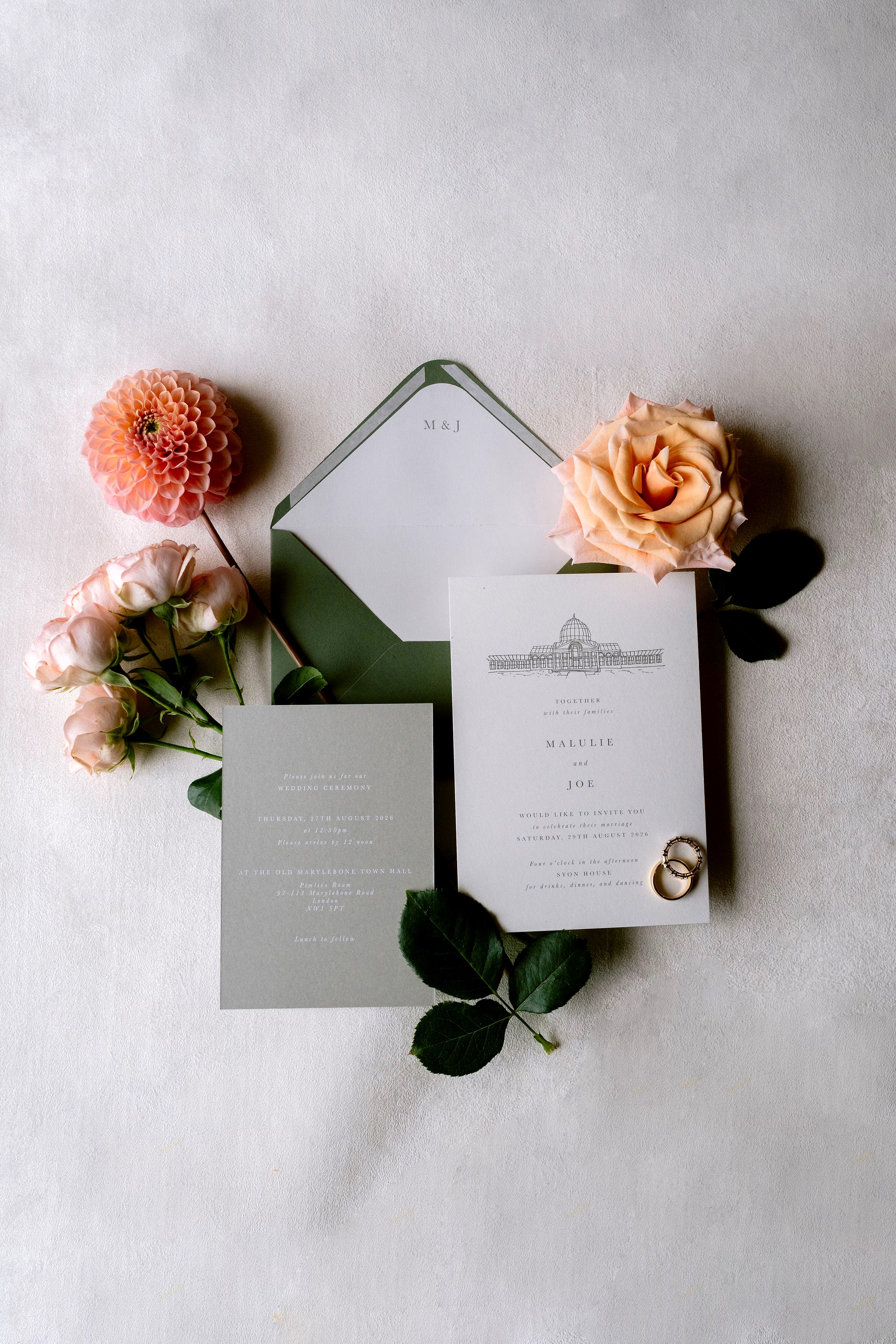
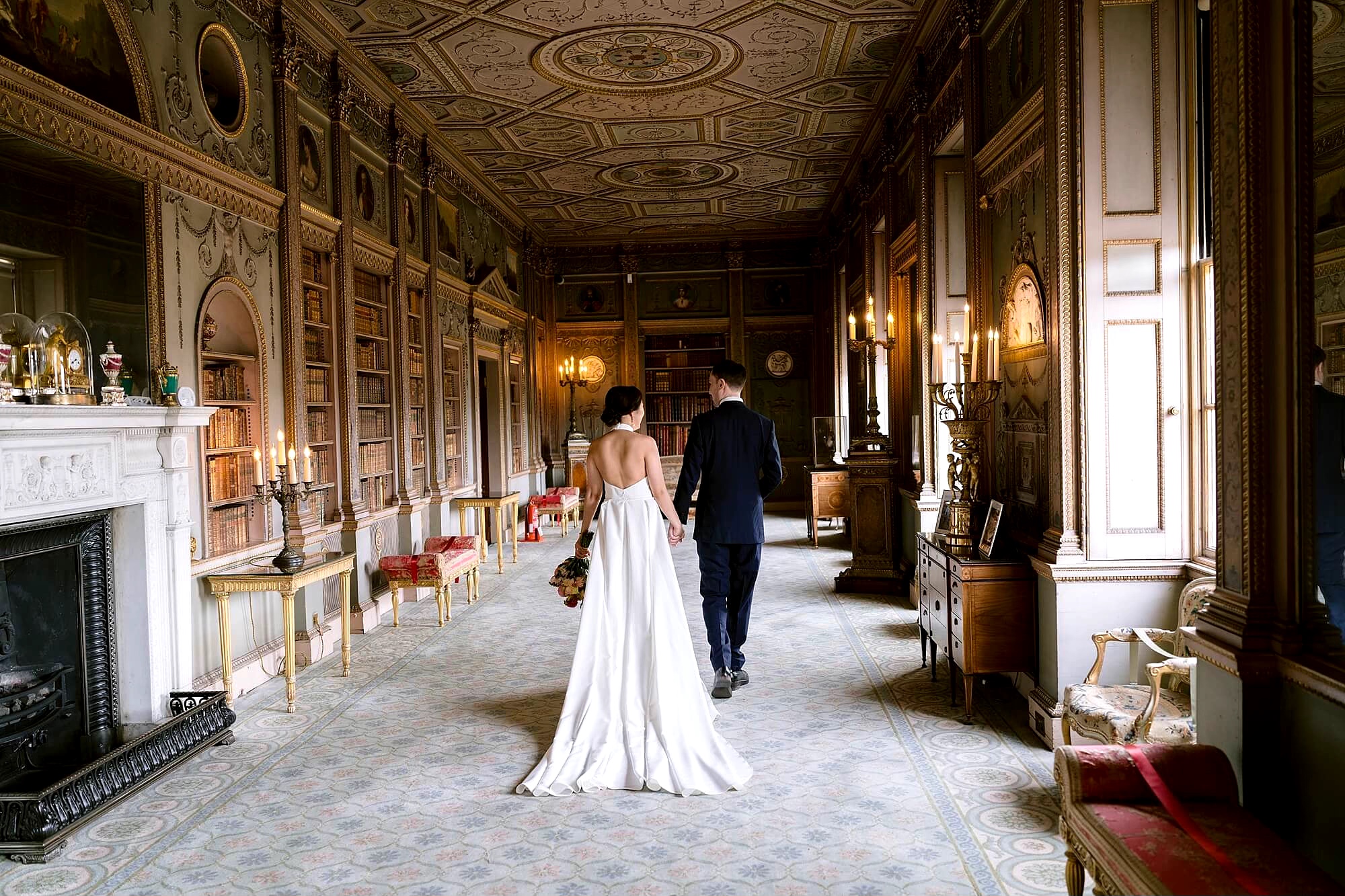
A closer look at M&J’s beautiful wedding at Syon Park, from the thoughtful details to the special moments that made their day their own.

Scroll today’s grid to see the full story.

#WeddingBouquet #DahliaSeason #AutumnWedding

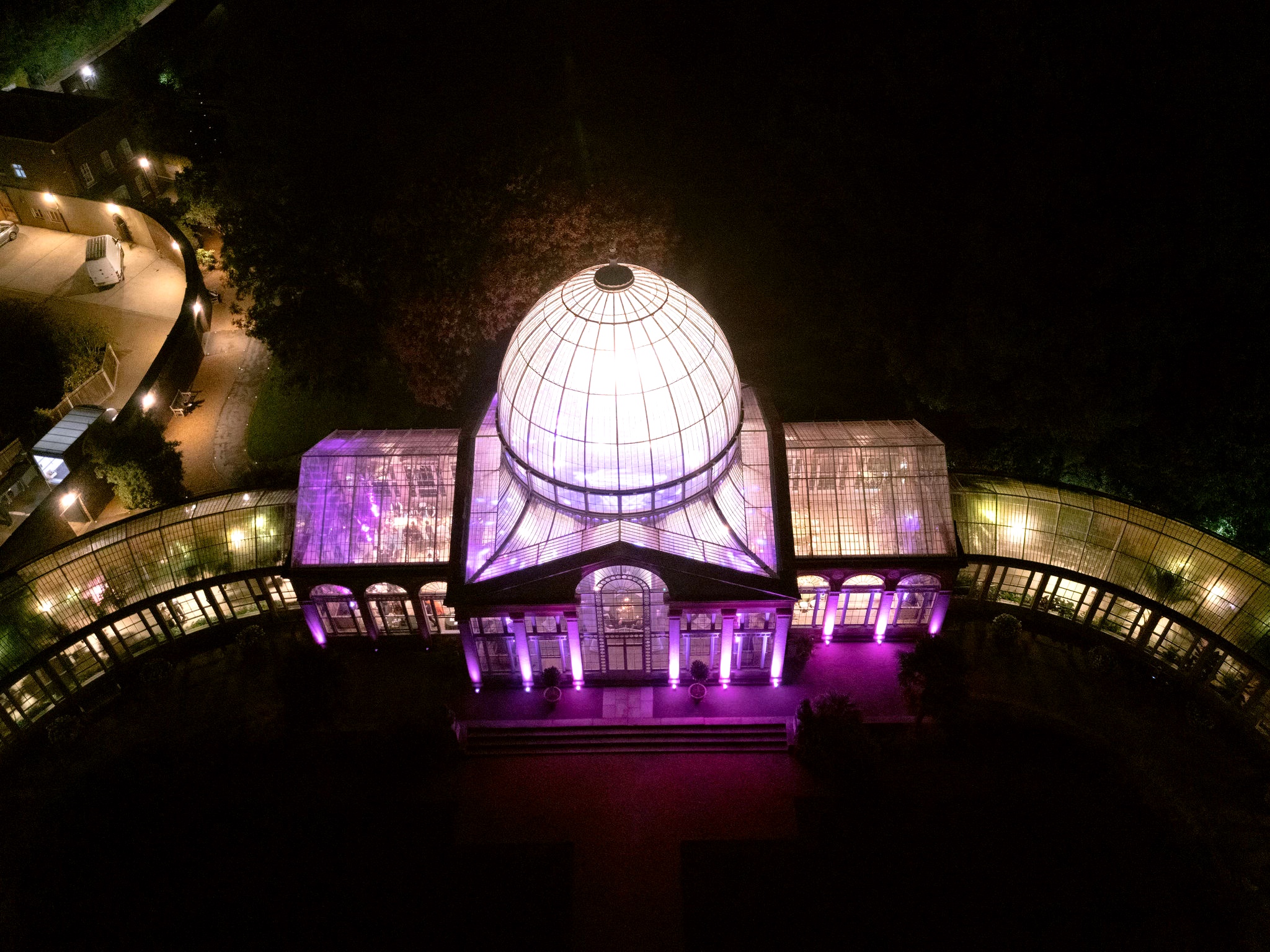
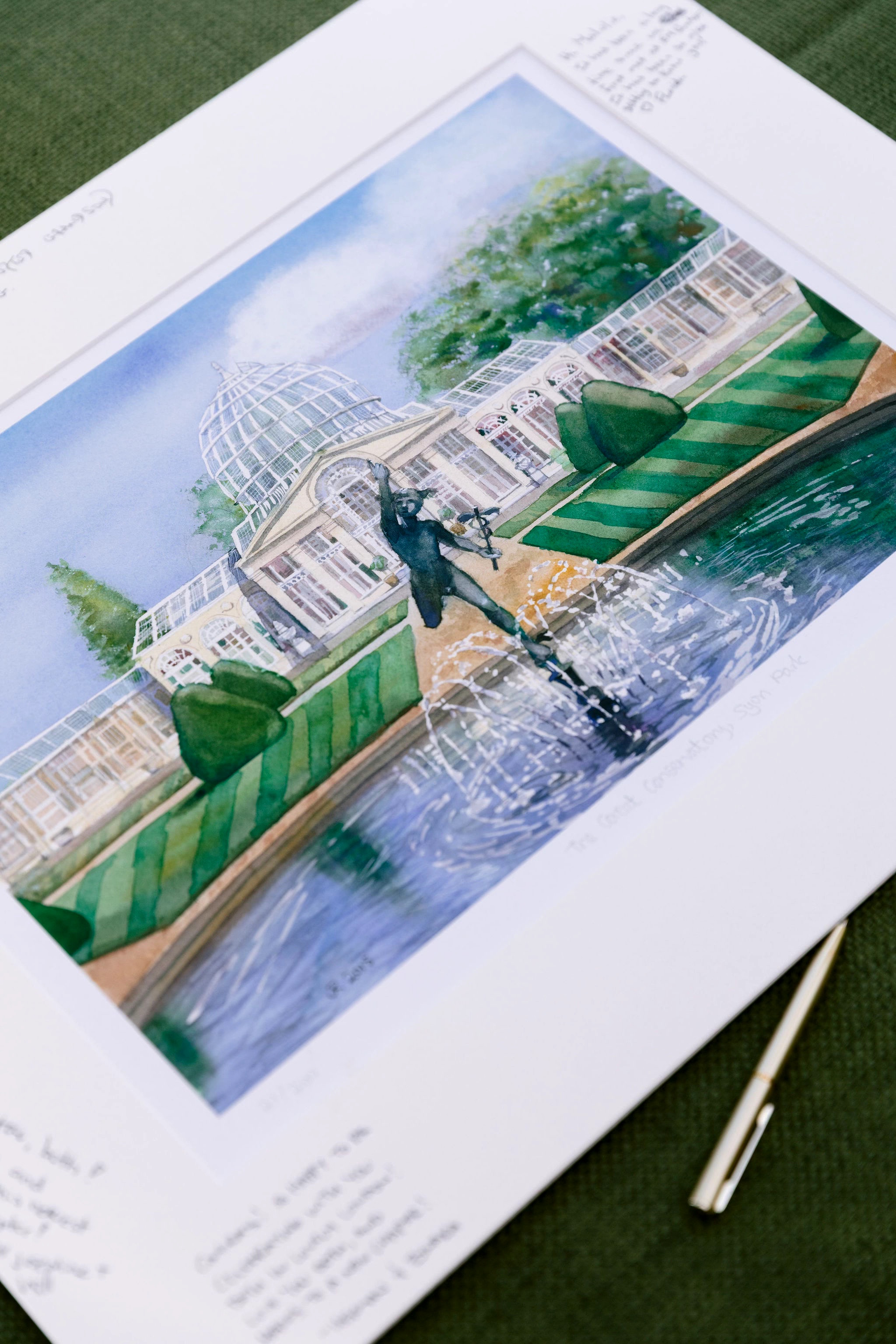
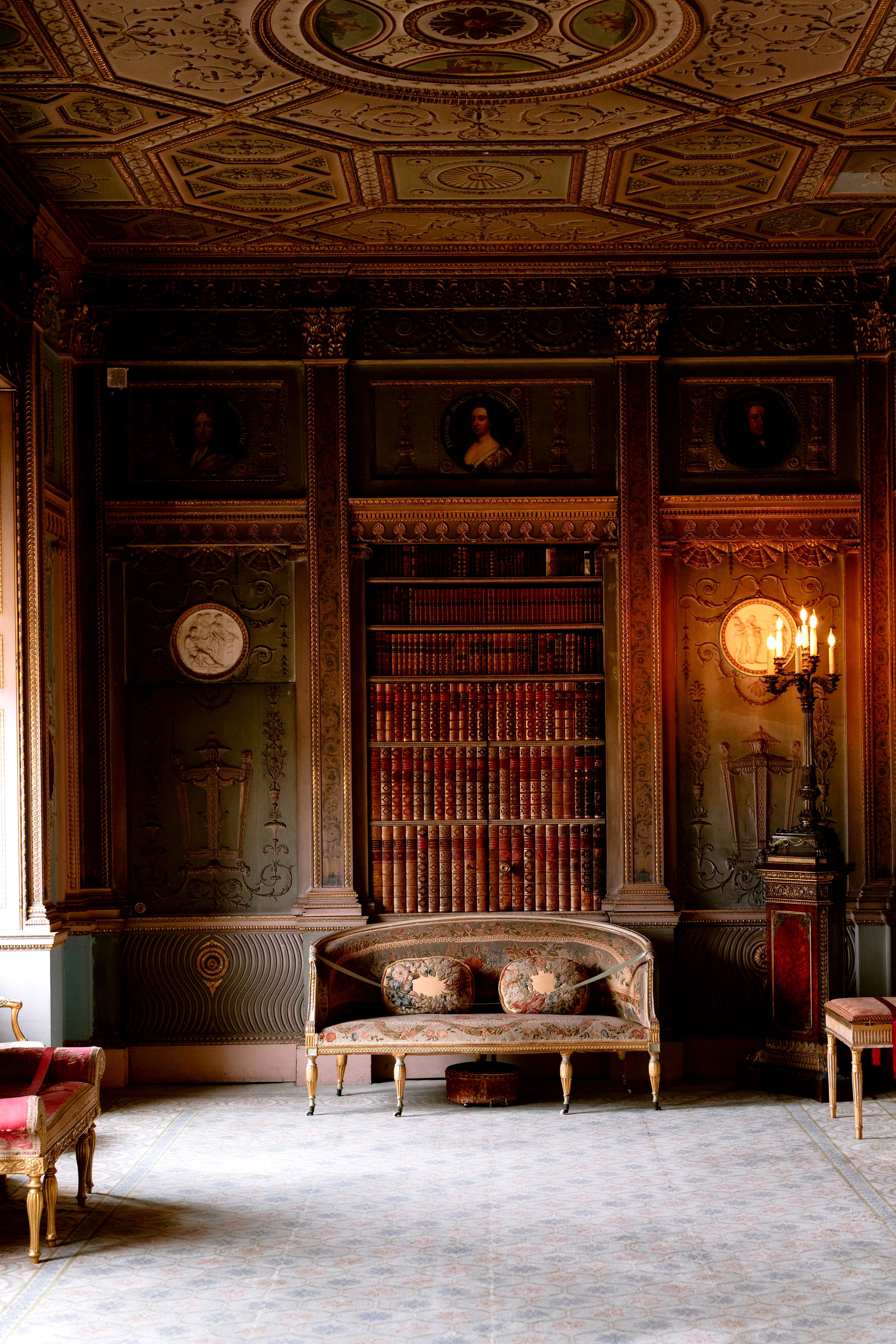
A closer look at M&J’s beautiful wedding at Syon Park, from the thoughtful details to the special moments that made their day their own. Scroll today’s grid to see the full story.
Editing locked — this post is approved. Recall the batch to reopen it for edits.
AI: BLOCKED — today's planned post is identical in subject, pillar, caption angle and visual (dahlia bouquet, coral and blush, same shoot). Publishing this carousel would duplicate content already live on the grid today.
No comments yet. Leave one before this goes to the client.